How it works
From a slow walk to a home you can change
Minutes for a room and longer for a whole home, and most of it happens on our side while you do something else.
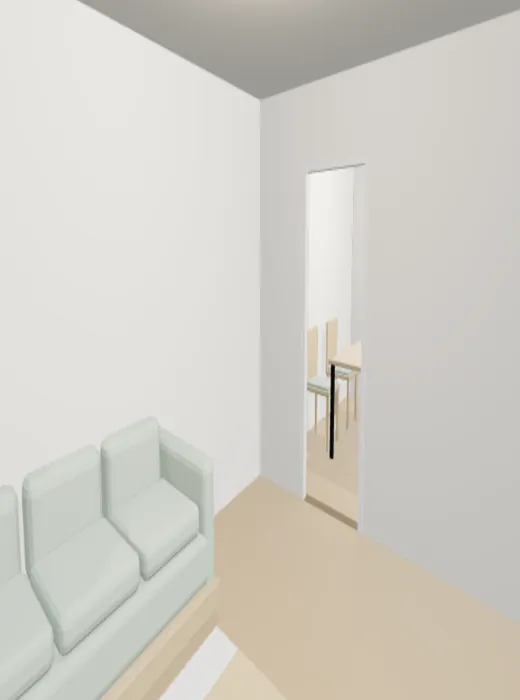
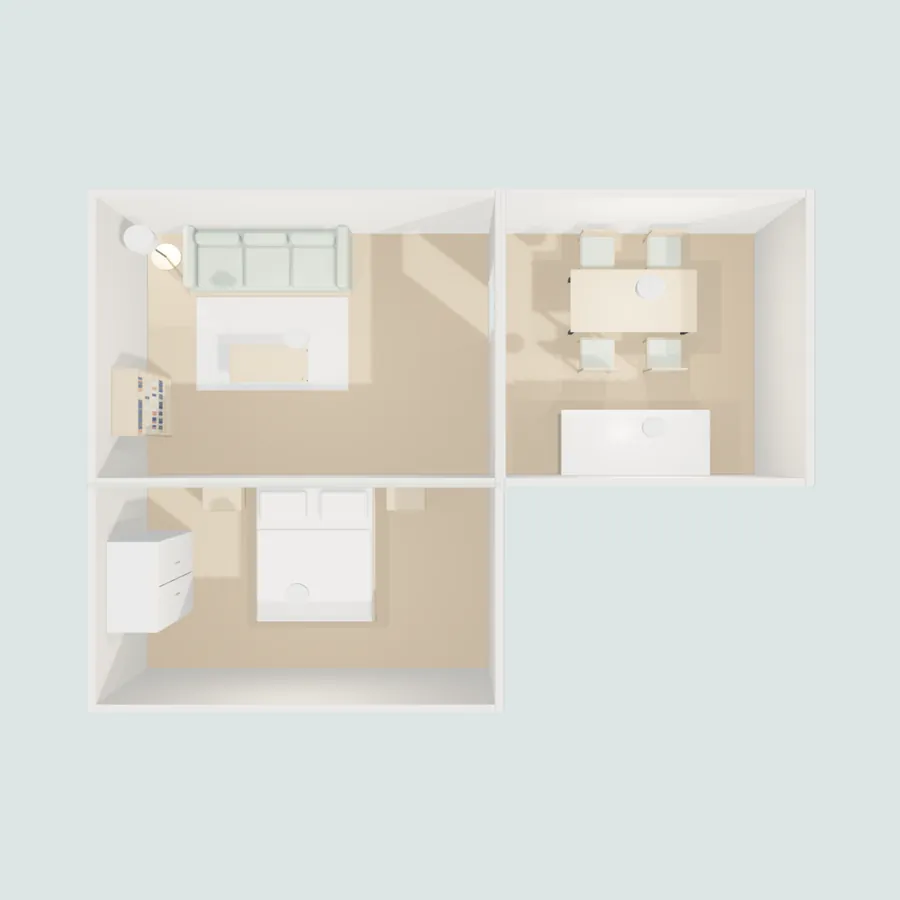
Illustrations of the app's screens. The model in the third one is a real frame from Snug's viewer.
What happens after you tap Done
Measurements first, furniture second
- SECONDSYour scan becomes a measured planWalls with thickness, doors, windows, ceilings and stairs, on one floor level for the whole home. Furniture changes never move them.
- MINUTESAn AI designer proposes the roomIt reads the plan, your photos and your words, and returns a list of pieces and finishes. It can't draw geometry; it can only pick from Snug's catalogue.
- EVERY PIECECode checks every suggestionInside the room, clear of the doors, under the ceiling, not overlapping. Anything that fails goes back to the designer with the reason.
- MINUTESThe model is built and openedYou walk it on the phone, or share a link that opens in a browser.
Good to know
What works today, and what doesn't yet
Works
- Single rooms, whole homes, and homes on more than one level
- Keep your furniture, or furnish from an empty room
- Changes in plain words, with versions you can go back to
- Share links that open in any browser
Not yet
- Android, or iPhones and iPads without LiDAR
- Closets are found only when you scan and name them
- RoomPlan sees stairs as boxes; Snug rebuilds the flight from their height
- Measurements are Apple RoomPlan's. We're still checking them against a tape measure
Needs a LiDAR device: iPhone 12 Pro or a later Pro, or iPad Pro. Viewing a shared model works in any browser. The button opens your mail app.