SCAN
Walk the room slowly
Apple's RoomPlan finds walls, doors and windows as you go. Then take a photo from each corner so Snug can see your floors and finishes. A whole home is room after room in one walk.
For iPhone Pro and iPad Pro
Scan a room with your phone. Minutes later you get a measured, furnished 3D model you can walk around in. Then type what you want: “move the sofa to the window wall”.
Needs a LiDAR device: iPhone 12 Pro or a later Pro, or iPad Pro. Viewing a shared model works in any browser. The button opens your mail app.
Put a desk under the window and take out the rugEvery change is checked against your walls, doors and ceiling.
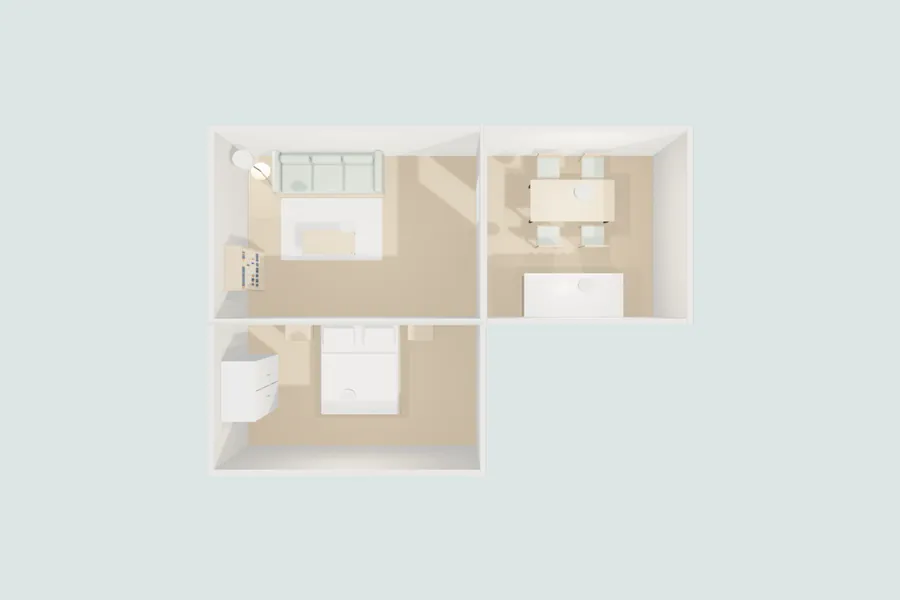
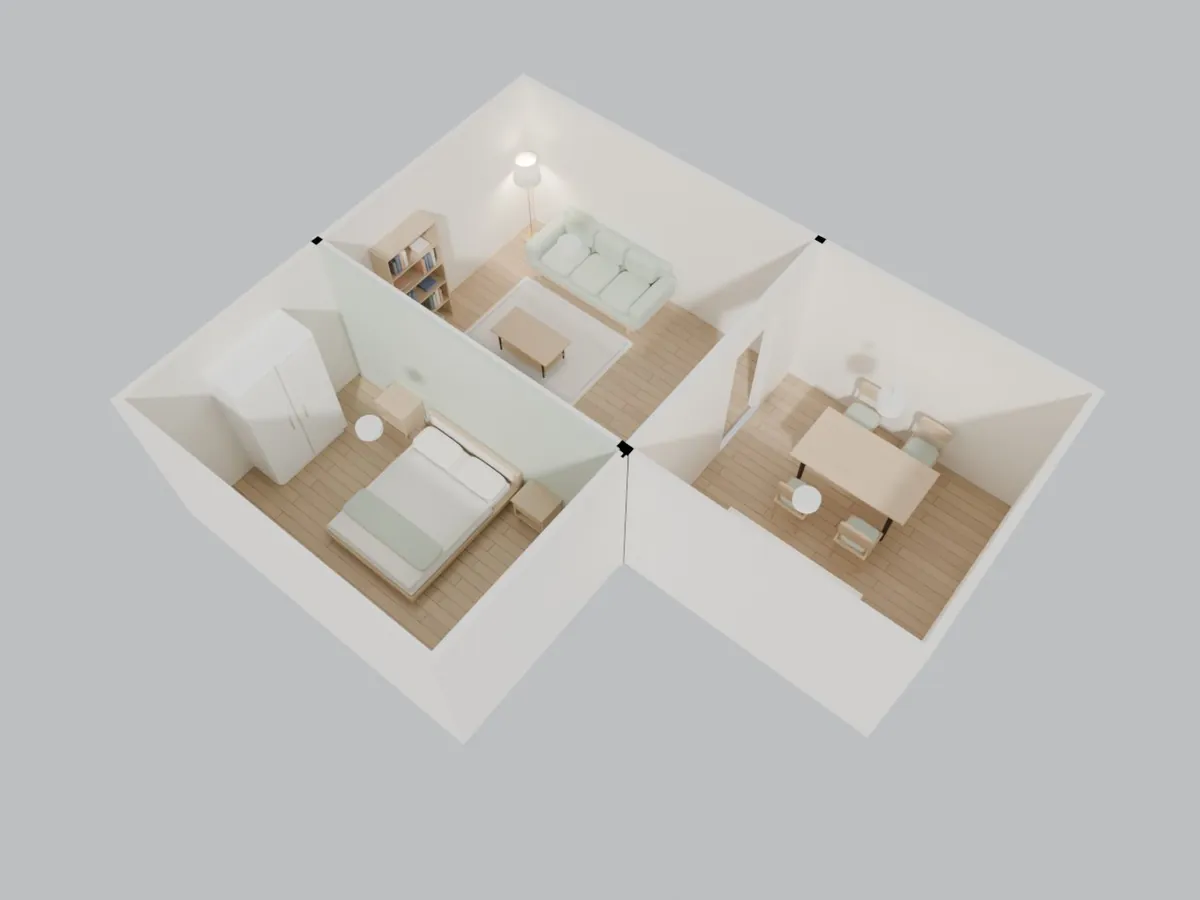
A sample home made by Snug from a synthetic test scan (living room 16.2 m², kitchen 12.2 m², bedroom 12.5 m²). This is Snug's own viewer: drag to look around.
How it works
Snug keeps the measured walls apart from everything it proposes, so moving a sofa never moves a wall.
SCAN
Apple's RoomPlan finds walls, doors and windows as you go. Then take a photo from each corner so Snug can see your floors and finishes. A whole home is room after room in one walk.
MODEL
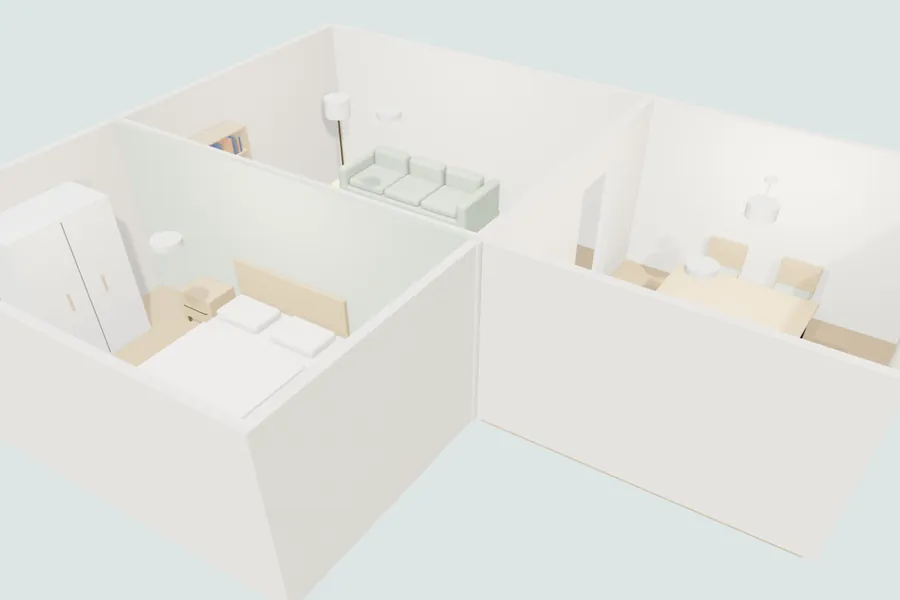
Measured walls, openings and ceilings from the scan, with furniture placed to fit. Keep what you own, or start from an empty room.
CHANGE
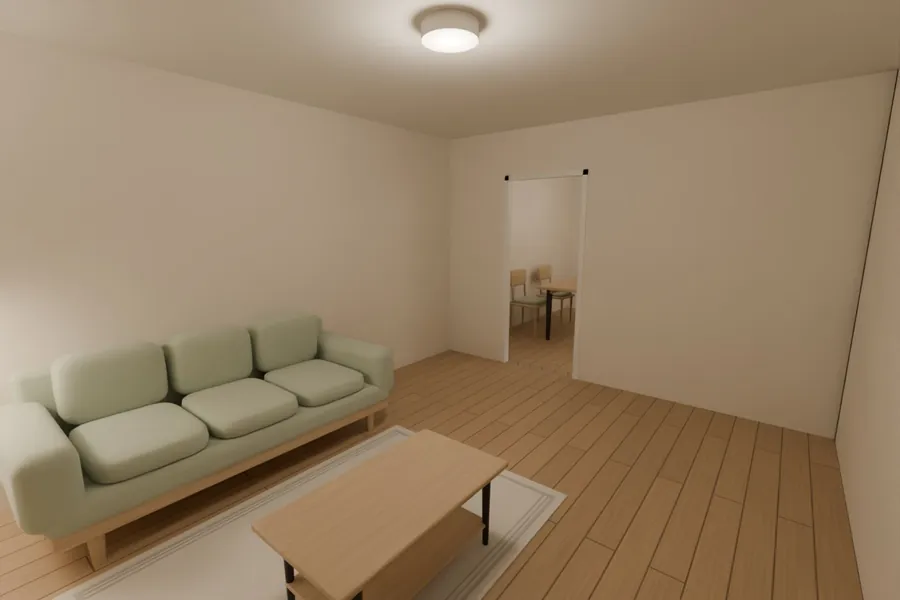
“A walnut floor.” “A queen bed on the long wall.” Each new version takes minutes. Code checks every piece, and anything that doesn't fit is turned down with the reason.
Measured, not guessed
Scan apps give you a mesh to look at. Snug gives you a model you can change: the sofa is an object, the floor is a material, and the walls keep their measurements.
Who it's for
Scan the new place once. See whether your bed and your sofa fit, and where they'd go.
“Will a king bed fit with both nightstands?”
Try a layout, a floor or a paint colour on the room you actually live in.
“Sage walls, and move the desk to the window.”
For listings.Selling or letting a home? Give people a model they can walk, with the furniture in or out.Write to us about listings
We're testing on our own homes now. Write to us and we'll send you a TestFlight link when the next group opens.
Opens your mail app. We keep your address only to send the invite.